Seriously fast
Multithreaded technology uses modern processors efficiently, even for large archives.
Practical archive guidance
Compare releases, formats, encryption options, and platform requirements before you download.
Download nowLatest version v7.46
Fast extraction · 40+ formats · AES-256 encryption
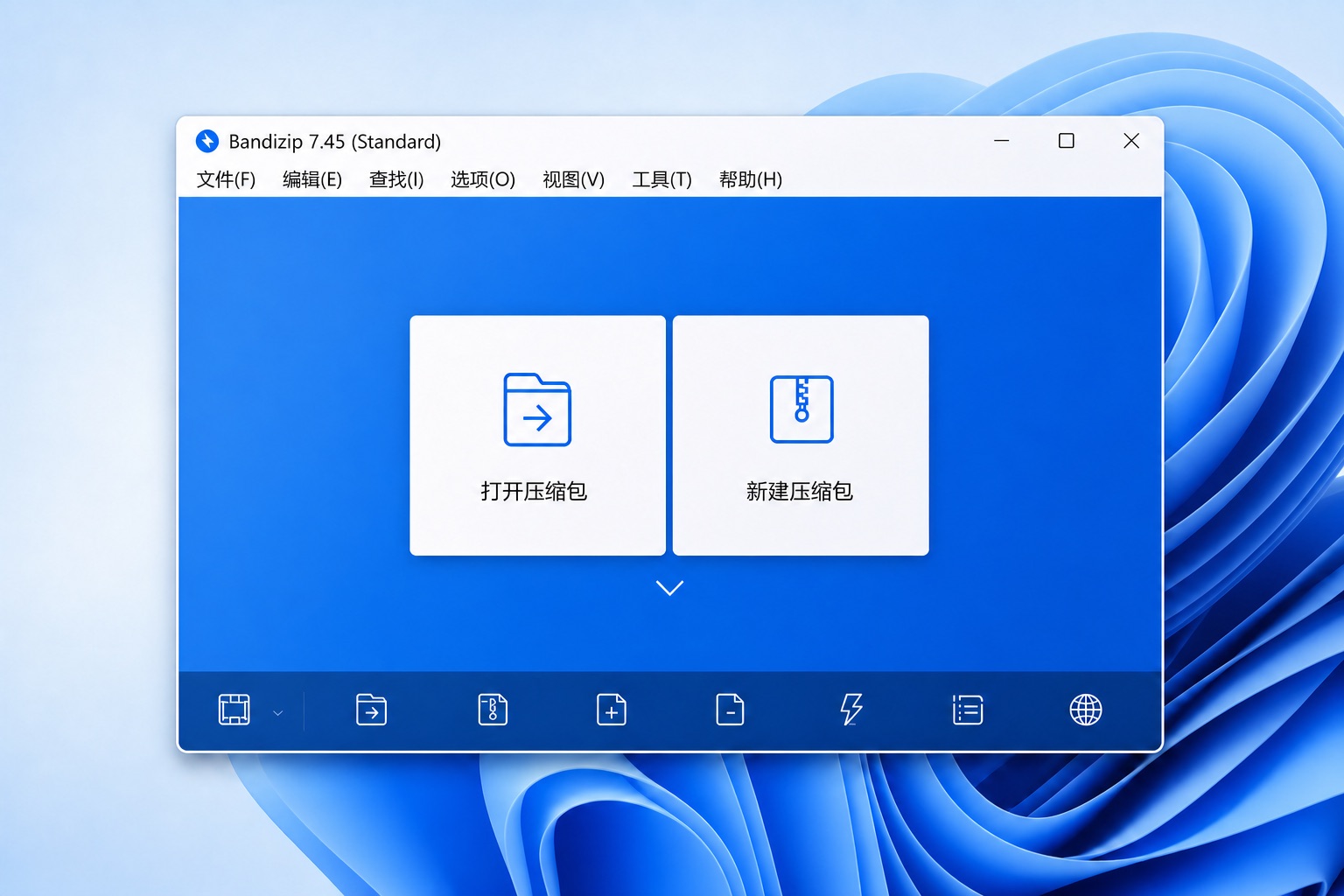
Independent download and usage guide
This site organizes Bandizip downloads, platform requirements, supported formats, and security notes in one place. Use the focused guides to choose the right build, work with encrypted archives, and troubleshoot damaged or split files with fewer surprises.
Simple, yet powerful
Multithreaded technology uses modern processors efficiently, even for large archives.
Open 40+ archive formats across Windows, macOS, Android, and iOS.
AES-256 encryption and integrity checks keep private files protected.
Core features
A clear workflow, a dependable archive engine, and useful tools for everyday and professional work.
Format compatibility
Use Bandizip to open, extract, and manage ZIP, RAR, 7Z, TAR, ISO, and other common archives without installing a different tool for every format.
ZIP, RAR, 7Z, ZIPX, TAR, ISO, GZ, XZ, ALZ, EGG, and 40+ formats
Create ZIP, 7Z, ZIPX, TAR, TGZ, LZH, ISO, GZ, XZ, and more
AES-256 encryption, password protection, and archive integrity testing
Getting started
Go from download to your first compression or extraction in a few simple steps.
Choose Windows, macOS, Android, or iOS from this site's download center.
Open an archive directly or start from the system context menu.
Choose a destination, archive format, and password settings to finish the job.
Downloads
Get the latest release from this site or browse previous versions.
FAQ
Learn about editions, archive support, security, and downloads.
FAQYes. Bandizip offers a version you can download and use for free, alongside editions with additional professional features.
Bandizip can open more than 40 popular archive formats, including ZIP, RAR, 7Z, ZIPX, TAR, ISO, GZ, and XZ.
Yes. You can open and extract RAR and 7Z archives directly or use the system context menu.
Yes. You can password-protect archives and use encryption such as AES-256 when creating them.
Visit the previous versions page to find older installers and their release notes.
Download Bandizip and handle every archive with confidence.